5 min read
Account, Integrations & BillingConnect Tareno to Make
Use this guide when you want to connect Tareno to Make for no-code or low-code workflow automation.
Before you start
- Create an API key in Tareno.
- Make sure your target social accounts are already connected.
- Prepare the first scenario you want to automate, such as scheduling or publishing.
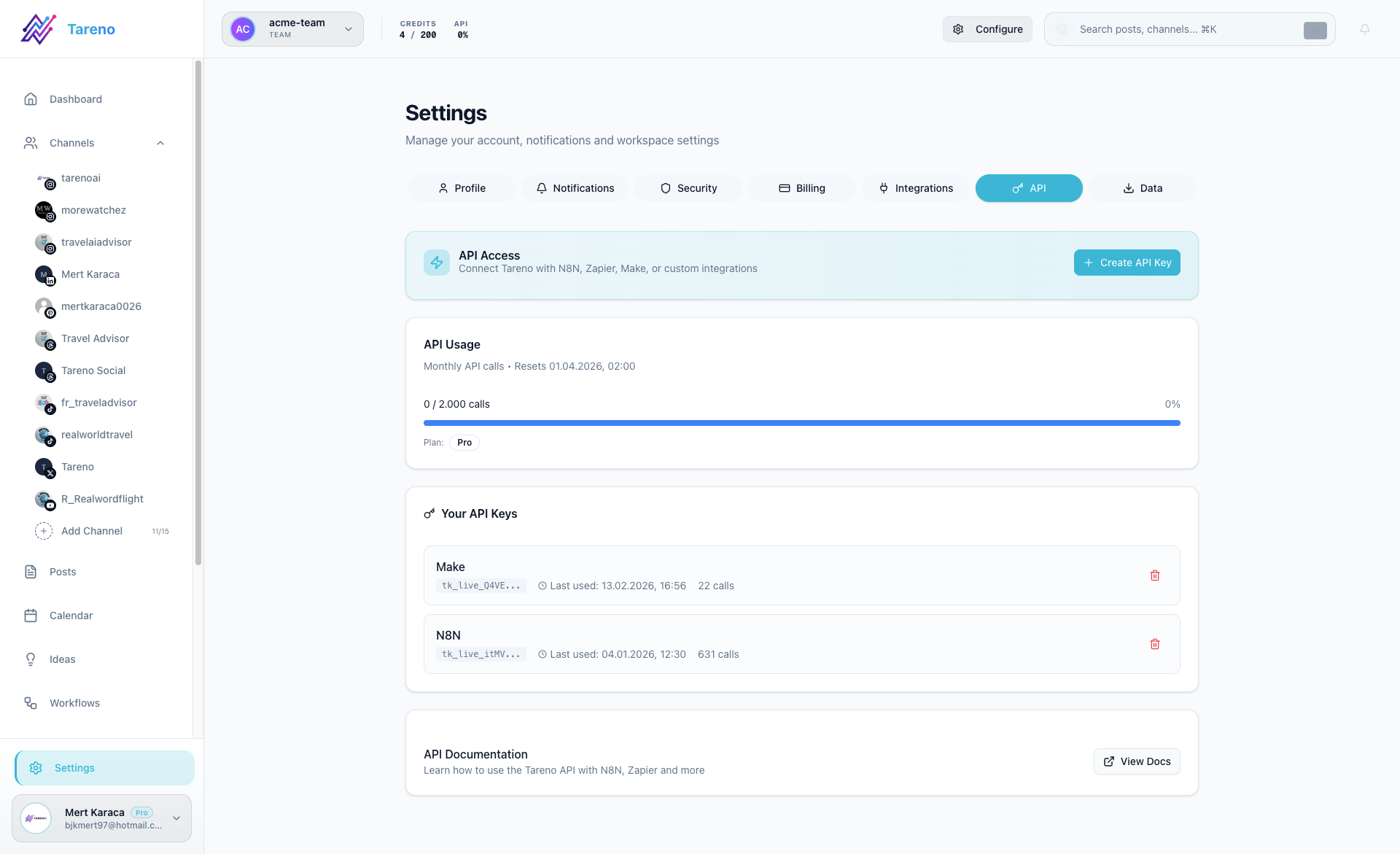
Connect Tareno to Make
- Open Settings -> API in Tareno and create a key.
- Open Make and create a new scenario.
- Add the Tareno connection using your API key.
- Use List accounts or the equivalent first step to identify the right account ID.
- Add a publish or schedule action and test the scenario.
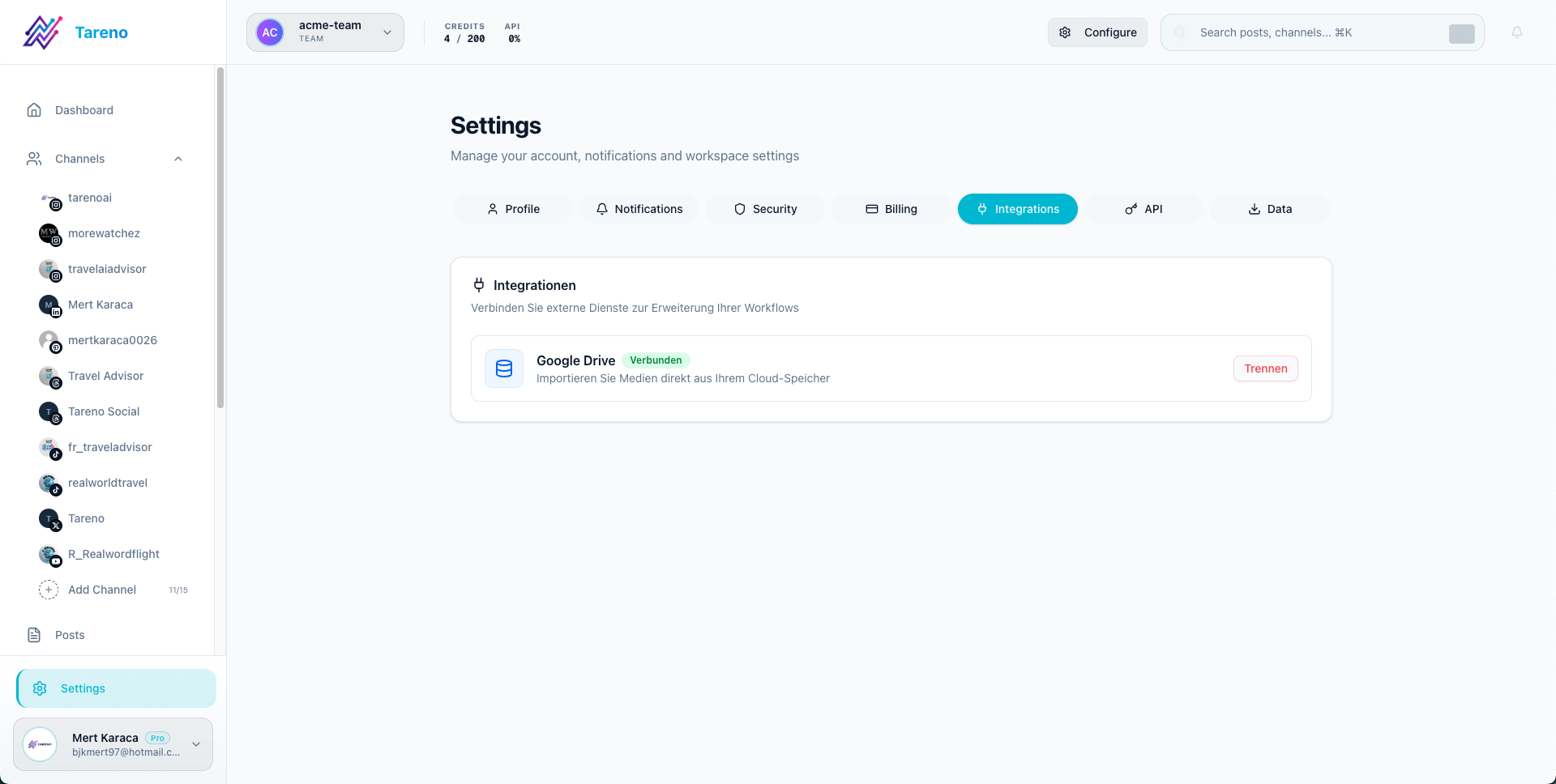
Keep the workspace integration view organized
Use the integrations area in Tareno as your control point for the broader tool ecosystem around the workspace.
What to do next
If you need payload examples or supported module details, continue with the technical Make documentation.
Was this article helpful?
Your feedback helps us improve our documentation.
Last Updated
March 8, 2026