5 min read
Analytics & InsightsCreate and share reports
Reports let you package analytics into a stakeholder-friendly format with branding, templates, and scheduled delivery.
Screenshot note: report-specific screenshots are still pending in the shared Tareno screenshot library. This guide currently uses the closest available analytics screens from the same source set.
Before you start
- Make sure your plan includes access to reports.
- Confirm that your channels already have analytics data.
- Prepare any logo, brand colors, or recipient list you want to use.
Build a report
- Open Dashboard -> Analytics -> Reports.
- Choose the reporting period and detail level.
- Select or create a template.
- Add branding details such as colors, logo text, and subtitle.
- Generate a preview and confirm the output.
- Share it manually or create a recurring delivery schedule.
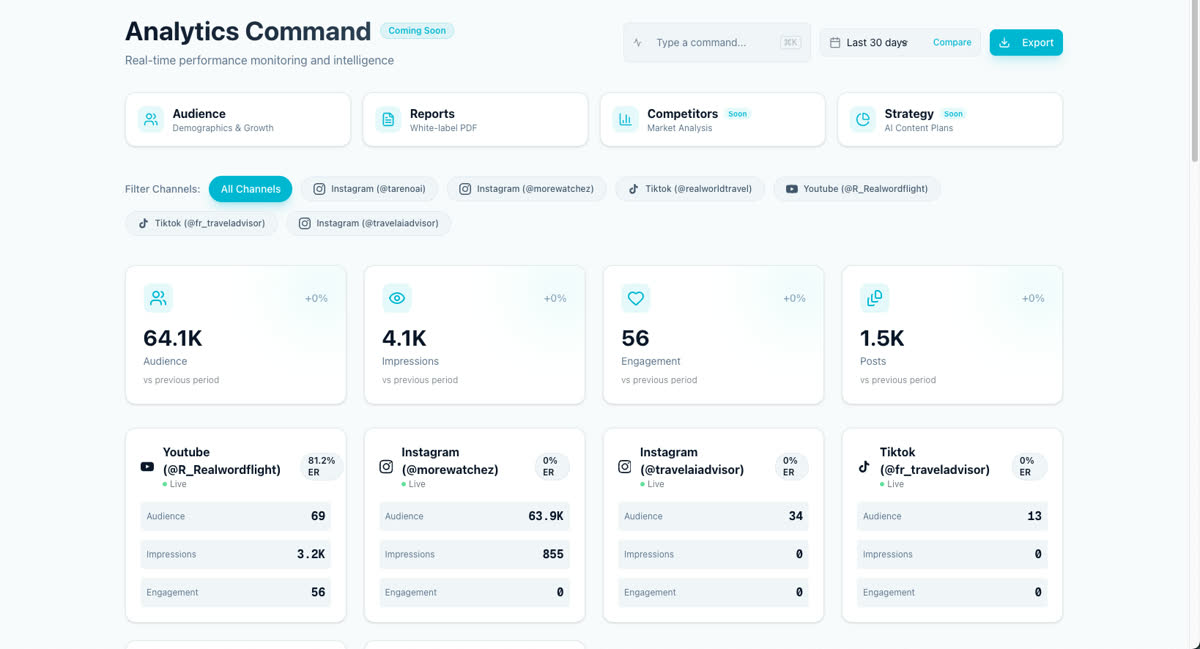
Use the report workflow effectively
- Keep one template for executive summaries.
- Keep another template for deeper client or team reviews.
- Reuse scheduled delivery for recurring weekly or monthly updates.
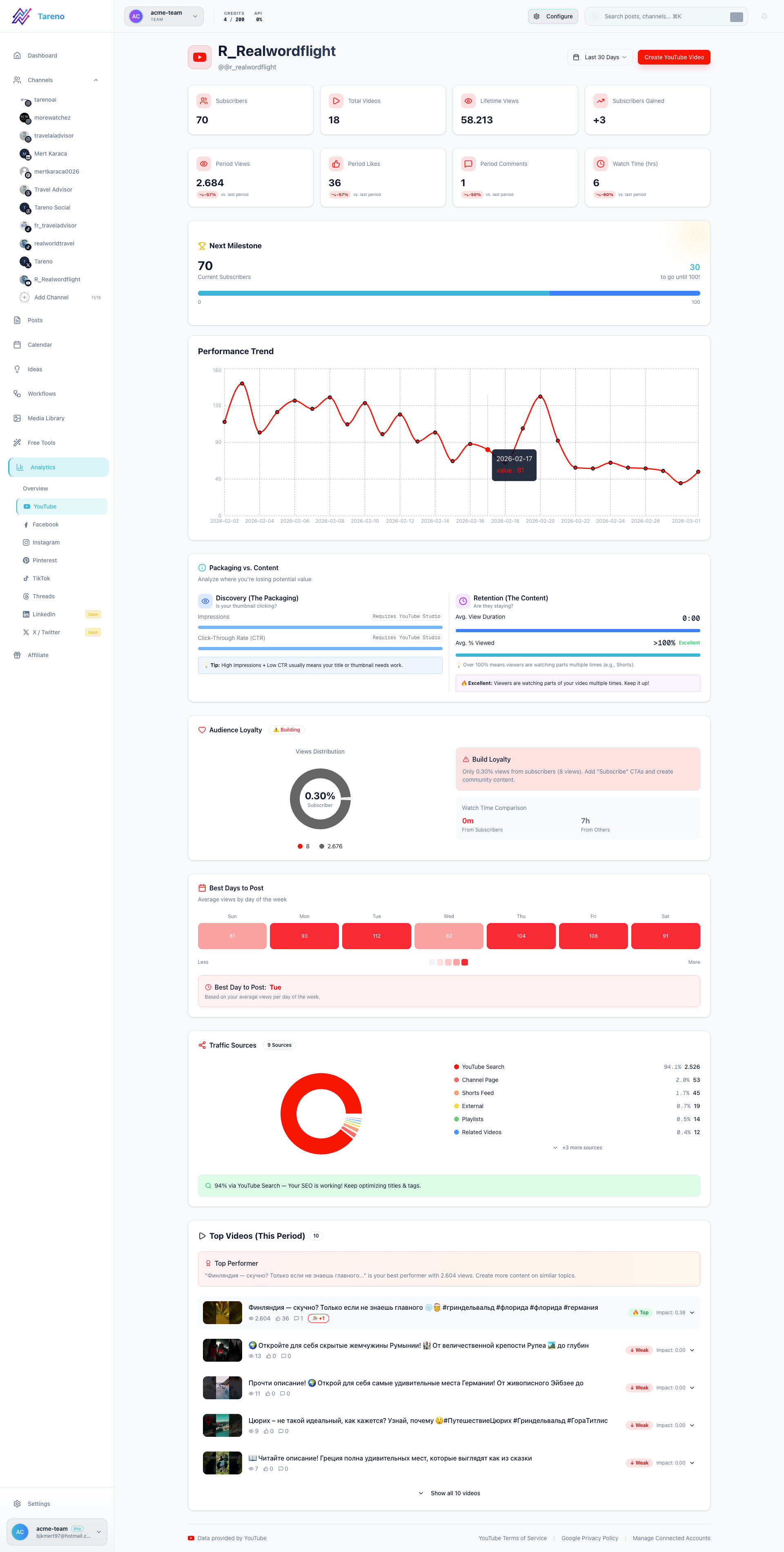
What to do next
If you need branded assets before sharing reports, continue with Set up your brand kit.
Was this article helpful?
Your feedback helps us improve our documentation.
Last Updated
March 8, 2026