5 min read
Getting StartedConnecting your social accounts
Connecting your channels is the first setup step that unlocks publishing, analytics, and automation inside Tareno.
Before you start
- Make sure you can log in to the social account you want to connect.
- If the platform uses business permissions, confirm that you have admin access.
- Keep pop-ups enabled so the OAuth approval window can open.
Supported channels in the current flow
- YouTube
- TikTok
- Threads
- X / Twitter
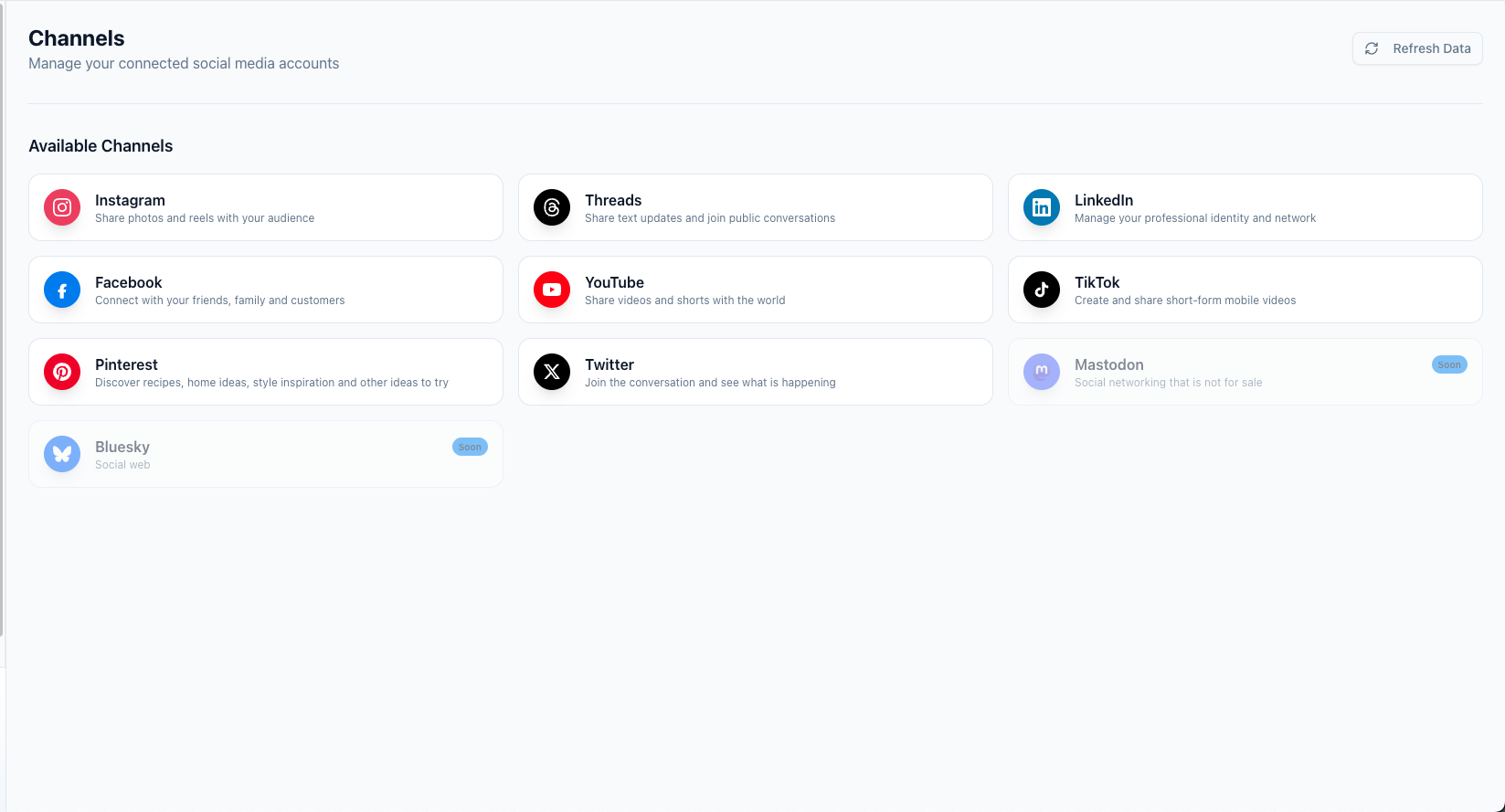
Connect a channel
- Open Dashboard -> Channels.
- Click the platform you want to connect.
- Approve the requested permissions in the provider popup.
- Wait for Tareno to return you to the dashboard.
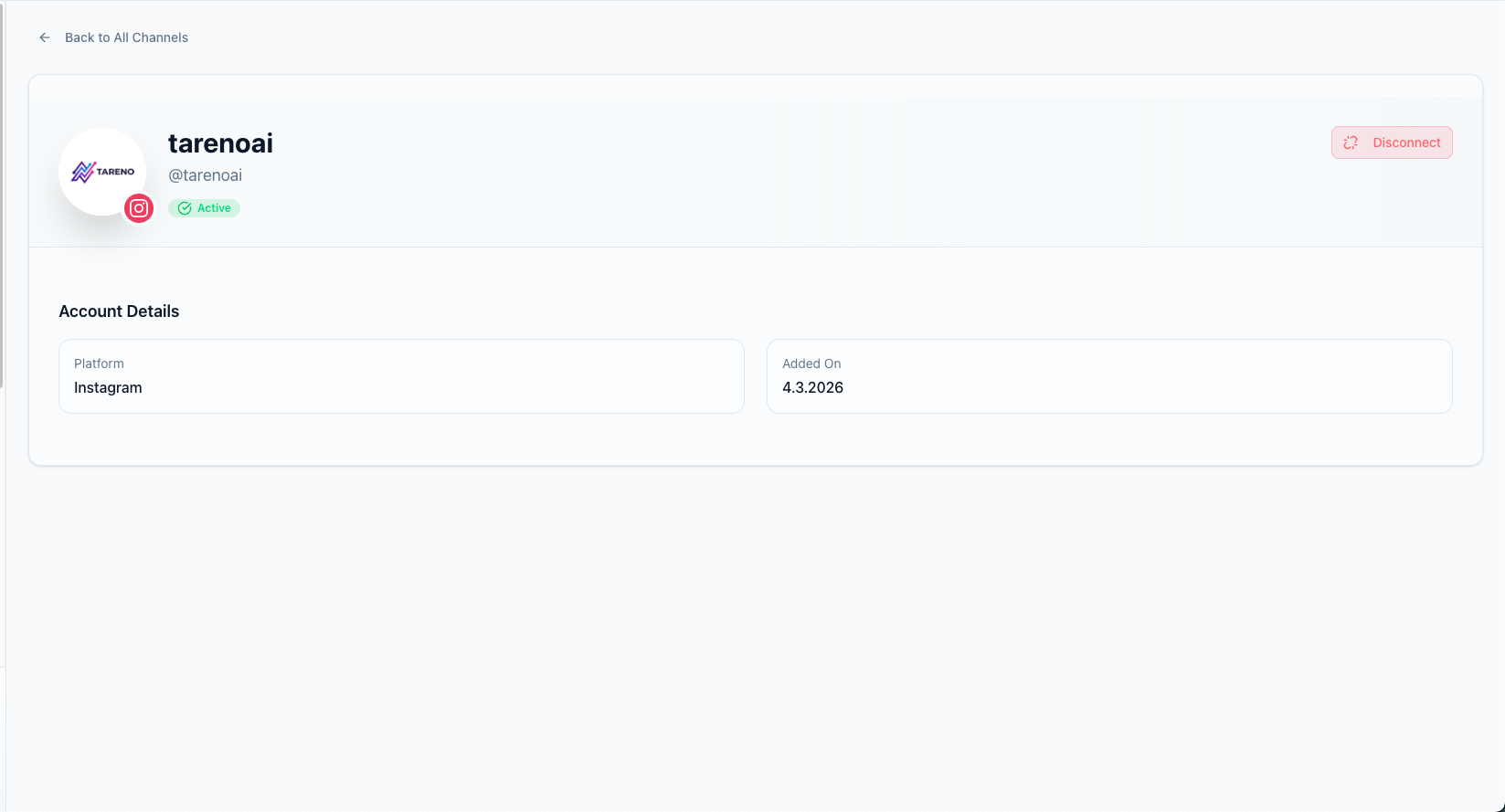
- Confirm that the new account appears with an active status.
Troubleshooting
- If the popup closes without connecting, try again with pop-up blocking disabled.
- If the account shows Needs refresh, reopen the provider flow and re-authorize the connection.
- If Facebook or Instagram fails, confirm that the correct page or business profile is selected during the provider approval flow.
Related features
- Multi-Platform Publishing to publish across all connected channels
- Analytics & Reports to track performance per channel
What to do next
After your channels are connected, create your first post or learn how to Schedule a post.
Was this article helpful?
Your feedback helps us improve our documentation.
Last Updated
March 8, 2026