5 min read
Ideation & Content ManagementThe Ideas Board: Kanban for content
Ideas Boards give your team one place to capture, sort, and move content ideas from rough concept to ready-to-publish work.
Use the board overview
Start from the board list when you want to separate content by brand, client, campaign, or audience.
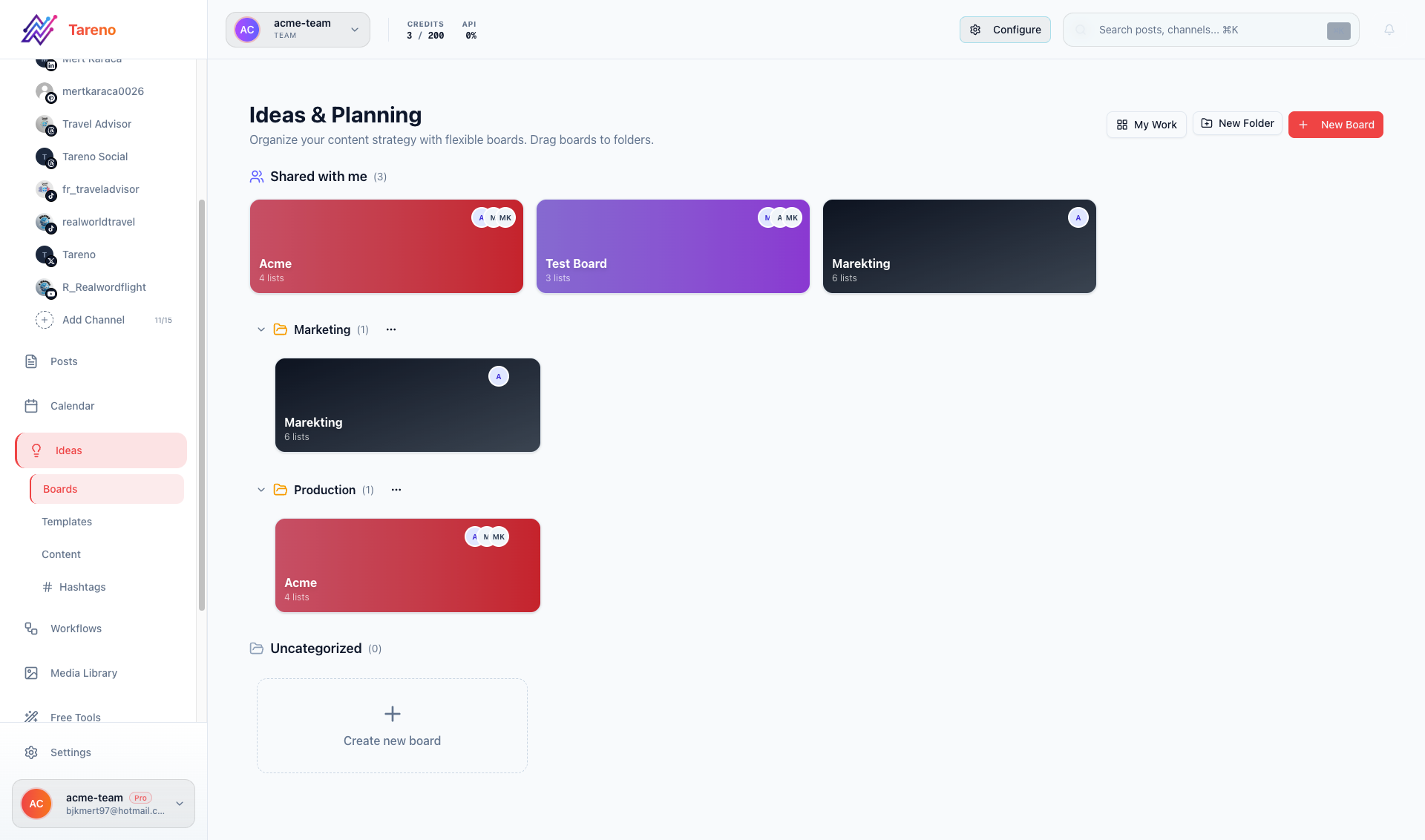
Move ideas through stages
Open a board and move cards through your workflow stages so everyone sees what is blocked, in progress, or ready.
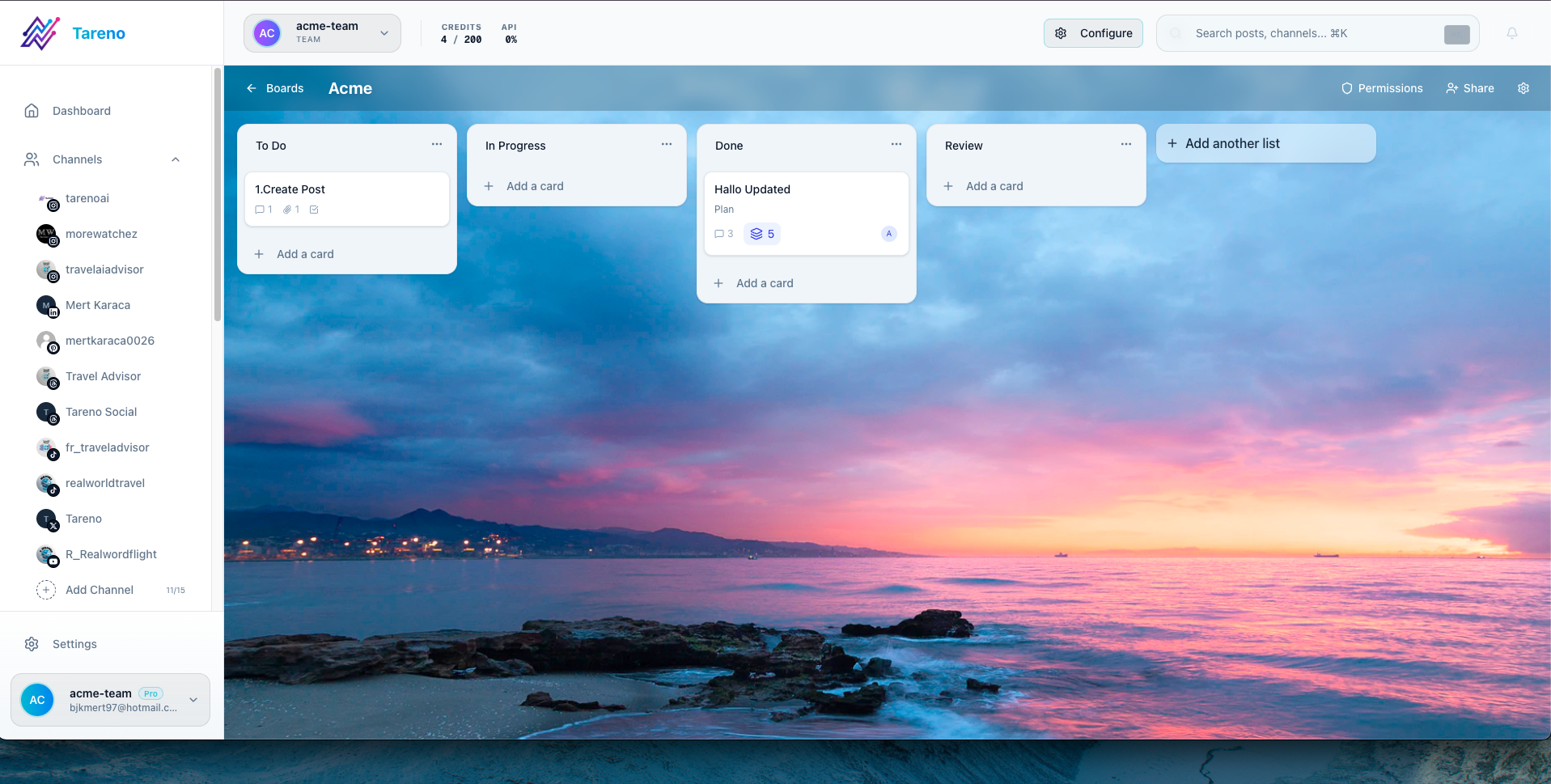
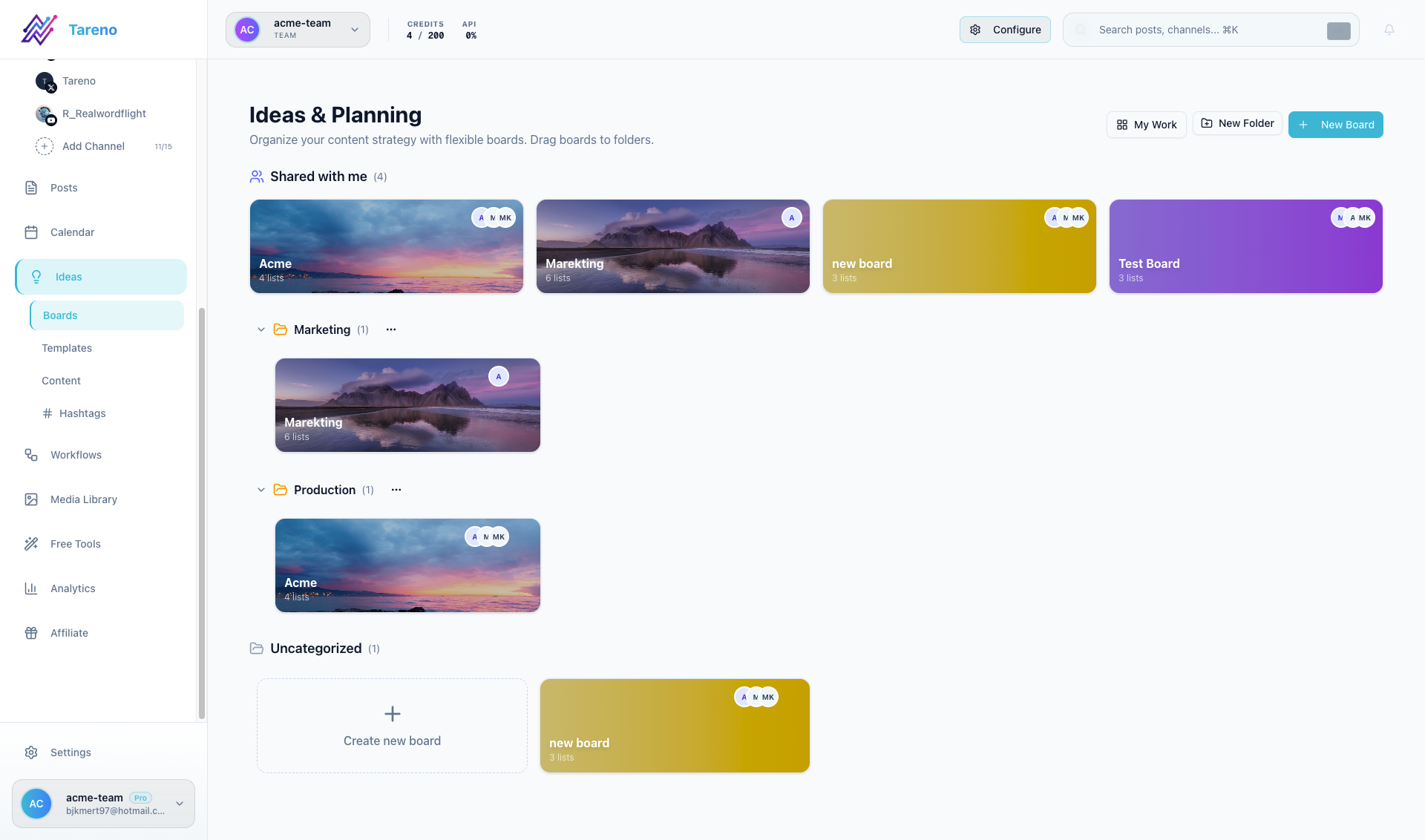
Use the focused board view
Tareno also supports deeper board views when you want a more focused planning session.
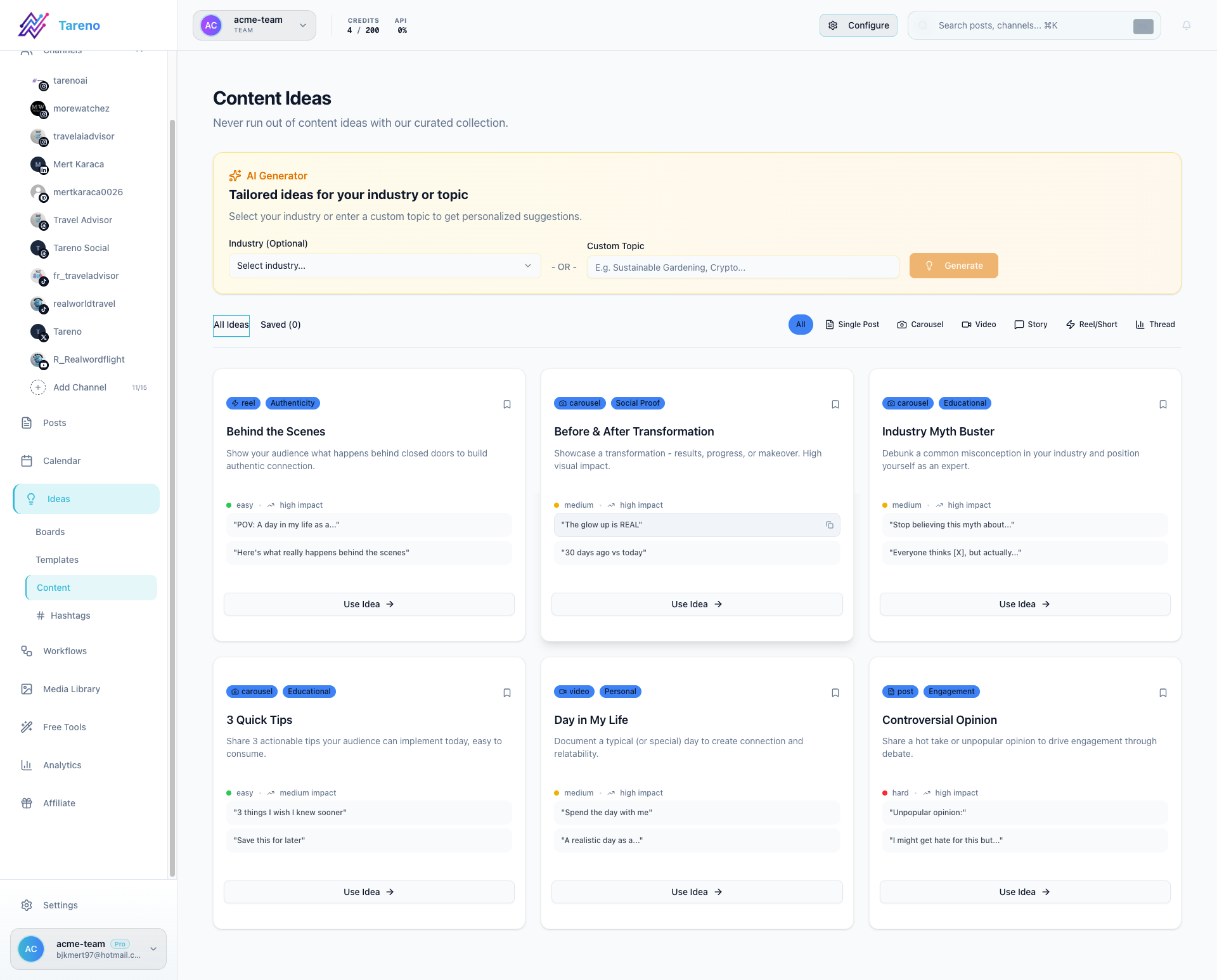
Open the card details
When an idea is important enough to brief, expand the card and add notes, assets, and production details.
Recommended workflow
- Capture ideas fast.
- Move the strongest ones into active production.
- Attach briefs or assets as soon as they exist.
- Send ready ideas into the composer when the content is approved.
Was this article helpful?
Your feedback helps us improve our documentation.
Last Updated
March 8, 2026