5 min read
Publishing & SchedulingBest time to post
Best Time to Post helps you turn timing guesses into a repeatable scheduling habit.
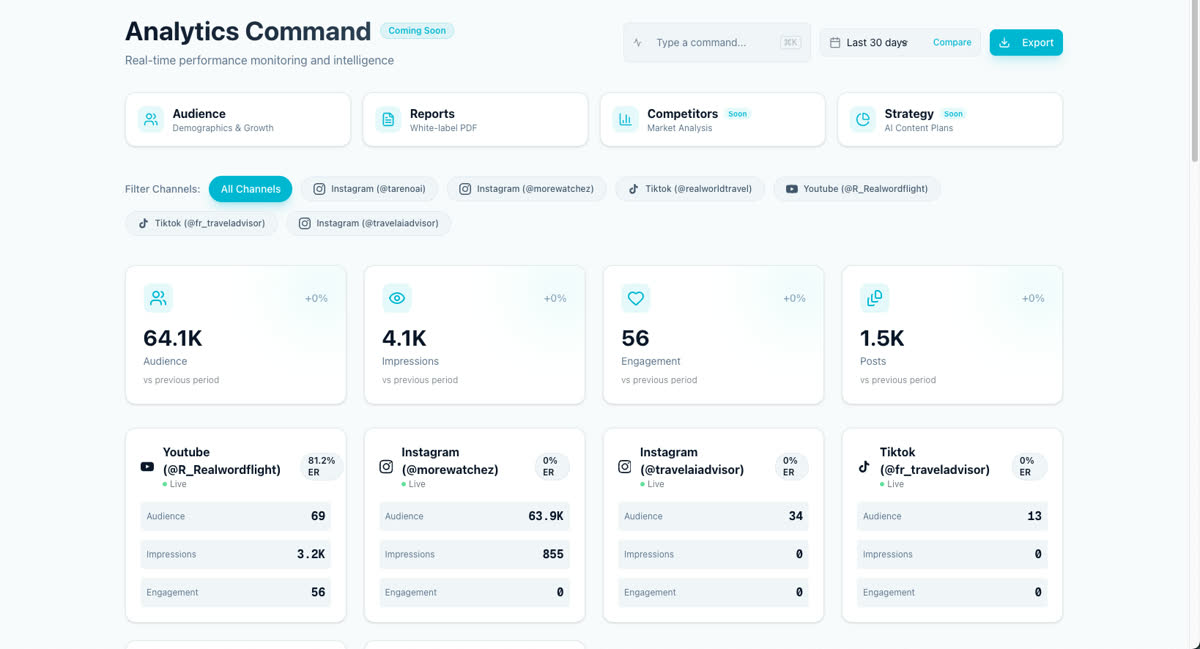
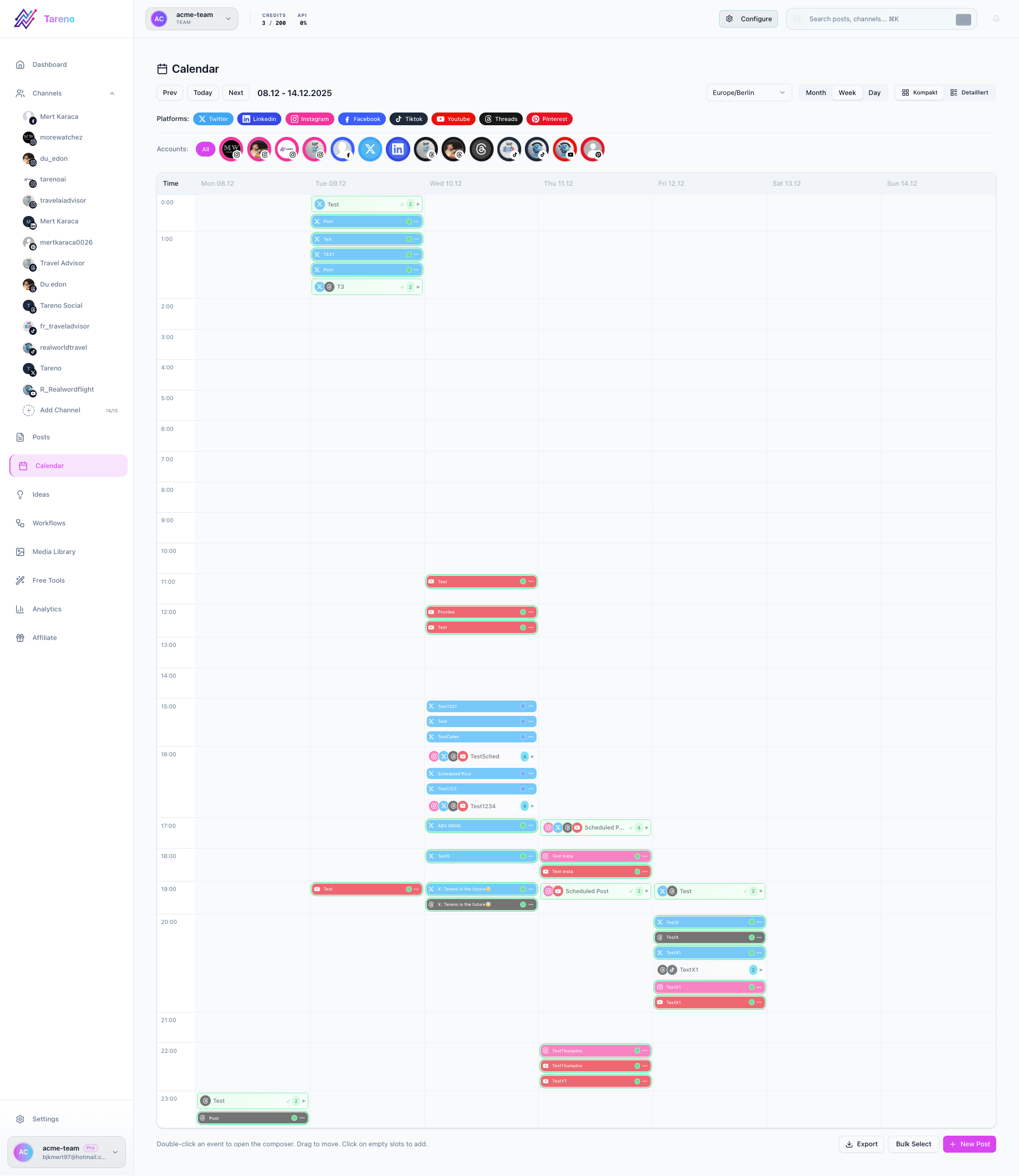
Screenshot note: exact Best Time to Post screenshots are still being added to the Tareno screenshot library. This guide currently uses the closest available analytics and calendar visuals from the shared Tareno source set.
What this view is for
- Compare timing patterns by platform.
- Identify stronger publish windows by day and hour.
- Use timing insights before placing content into the queue.
How to use it
- Open Dashboard -> Best Time.
- Select the platform you want to optimize.
- Review the strongest days and hours.
- Use those windows when scheduling new content in the composer or calendar.
- Revisit the page regularly as your platform mix changes.
Turn insight into action
Once you choose a timing window, move directly into your publishing workflow and schedule the post in the calendar or queue.
Related features and tools
- Analytics & Reports for deeper performance insights
- Schedule a post to apply timing recommendations
- Instagram Hashtag Generator for post optimization
- YouTube Title Generator for stronger video titles
What to do next
Pair this workflow with Schedule a post so your timing insights turn into real scheduled content.
Was this article helpful?
Your feedback helps us improve our documentation.
Last Updated
March 8, 2026