5 min read
Account, Integrations & BillingCreate and manage API keys
API keys let you connect Tareno to external tools such as n8n, Make, and custom workflows.
Before you create a key
- Make sure your plan includes API access.
- Decide what the key will be used for, such as production automation or testing.
- Use a clear name so you can identify the key later.
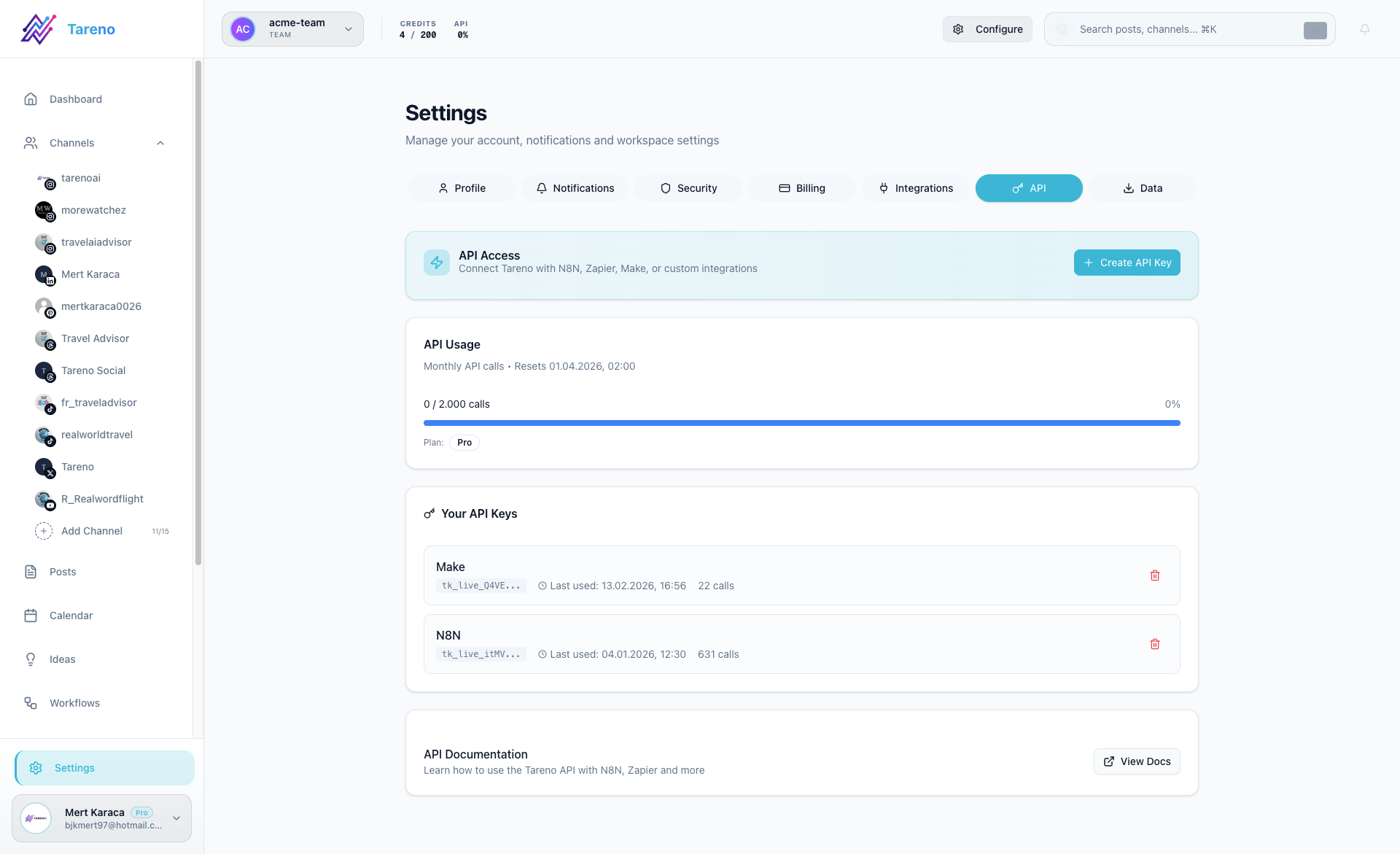
Create a new key
- Open Settings -> API.
- Click Create API Key.
- Enter a descriptive name such as n8n Production or Make Sandbox.
- Copy the key immediately when it appears.
- Store it in your external tool or password manager.
Manage existing keys
- Review the key list to see usage and last activity.
- Revoke keys that are no longer needed.
- Replace old keys instead of reusing one key everywhere.
Important security note
A newly created key is shown only once. If you lose it, create a new key and revoke the old one.
What to do next
Use the key in Connect Tareno to n8n, Connect Tareno to Make, or the technical API docs.
Was this article helpful?
Your feedback helps us improve our documentation.
Last Updated
March 8, 2026