5 min read
Account, Integrations & BillingSet up your brand kit
The Brand Kit helps your team keep colors, logos, typography, and voice direction aligned across content and reporting workflows.
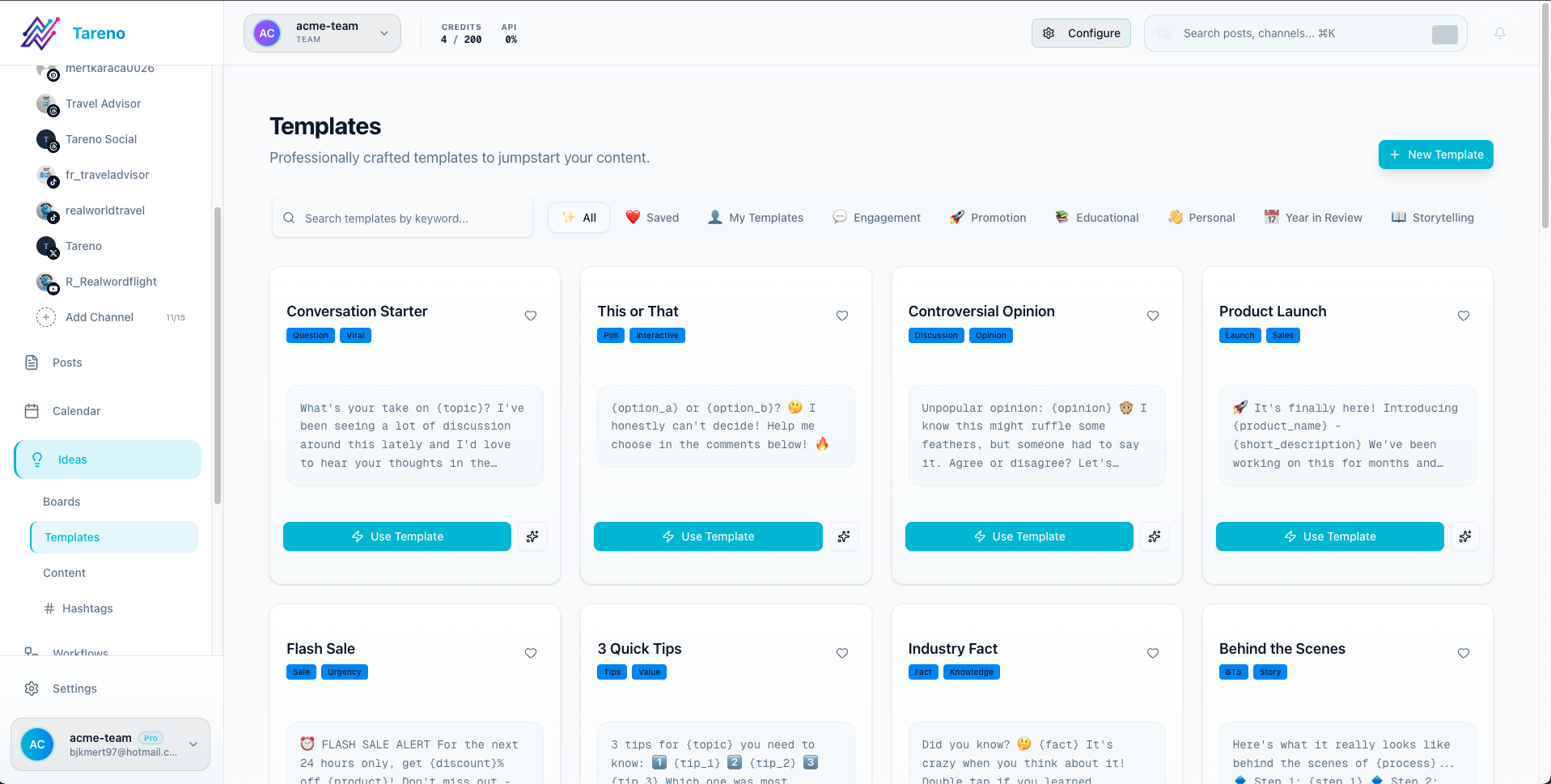
Screenshot note: exact Brand Kit screenshots are still being added to the shared Tareno screenshot library. This guide uses the closest available workspace and template visuals for now.
What belongs in the Brand Kit
- Brand name and short description
- Logo assets
- Primary and secondary colors
- Heading and body fonts
- Voice and tone guidance
- Keywords or visual direction for the team
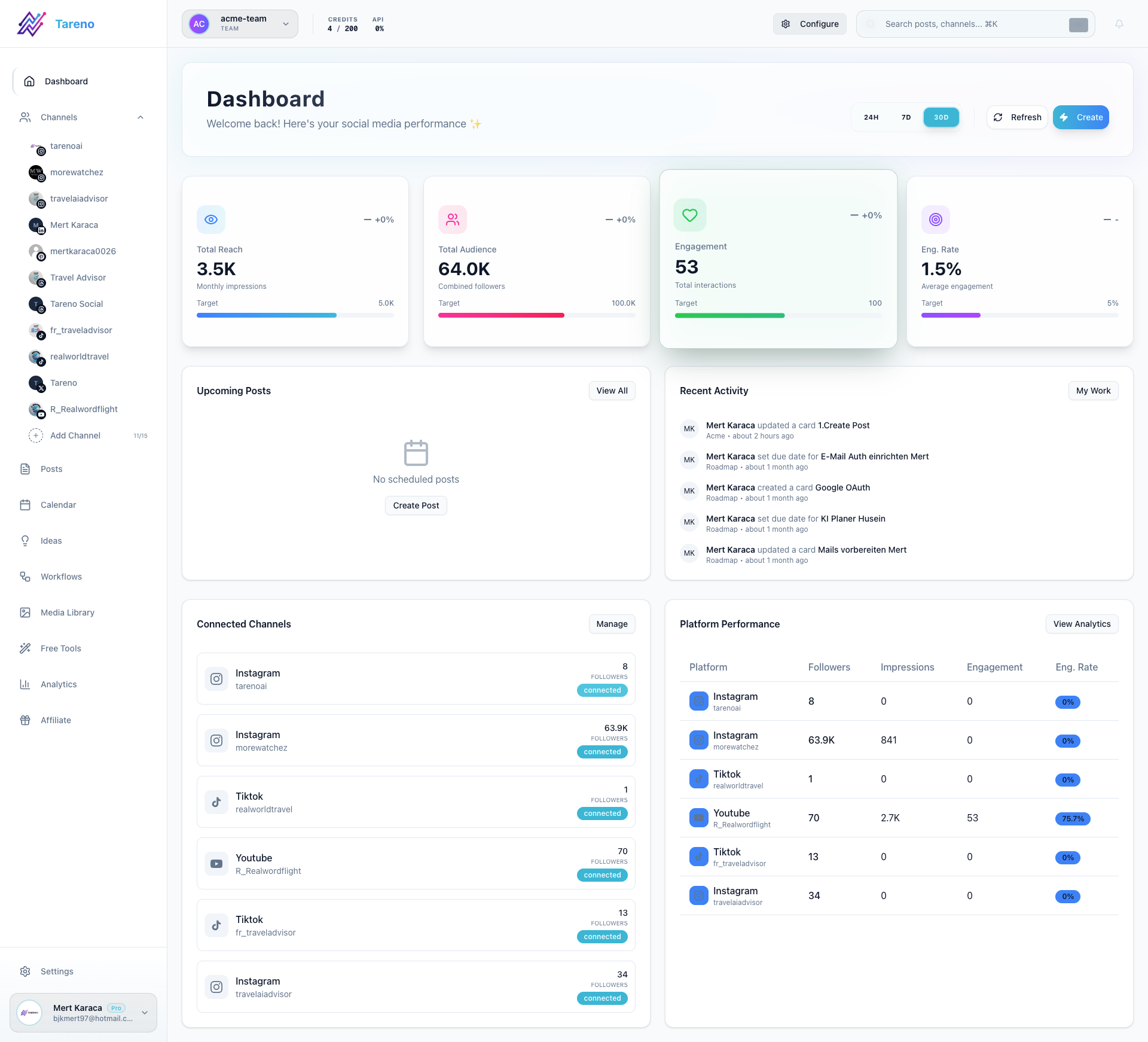
Set up the Brand Kit
- Open Dashboard -> Brand Kit.
- Add the core identity details for the brand.
- Save color and font choices that the team should reuse.
- Upload logo assets where needed.
- Add tone, keyword, or aesthetic notes that help keep outputs consistent.
- Save the Brand Kit before building reports or recurring templates.
Apply it in your workflow
Use the saved brand inputs when you create templates, reports, or recurring content systems.
What to do next
If you want to use branding in stakeholder reporting, continue with Create and share reports.
Was this article helpful?
Your feedback helps us improve our documentation.
Last Updated
March 8, 2026