5 min read
Getting StartedInviting team members and collaboration
Tareno works best when channels, content, and responsibilities are organized in one shared workspace.
Invite a teammate
- Open Dashboard -> Team.
- Click Invite User.
- Enter the teammate's email address.
- Choose the right permission level.
- Send the invite and confirm the person appears in your team list.
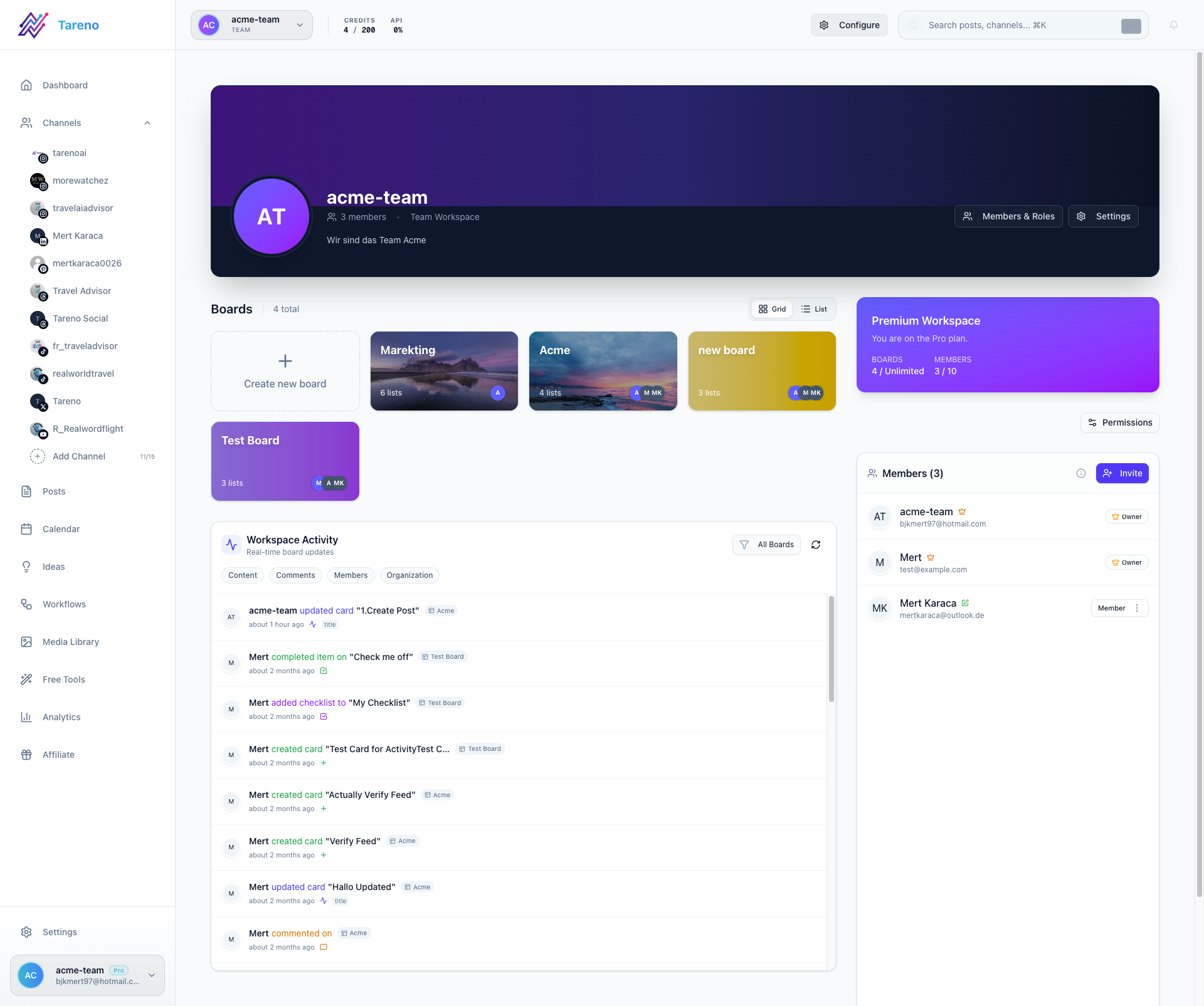
Common role setup
- Owner for workspace administration.
- Admin for channel and workflow management.
- Editor for day-to-day publishing work.
- Viewer for read-only access.
Collaboration tips
- Keep account owners limited to the people who manage billing and security.
- Use editors for day-to-day content operations.
- Review workspace permissions when a client or freelancer joins or leaves.
What to do next
Once your team is in place, move into publishing, ideas, and reporting workflows.
Was this article helpful?
Your feedback helps us improve our documentation.
Last Updated
March 8, 2026