5 min de lecture
Ideation & Content ManagementMedia Library and bulk upload
The media library is your shared asset hub for images, videos, and reusable content files.
What the media library helps with
- Keeping assets in one place
- Organizing folders and reusable files
- Preparing assets before publishing
- Uploading multiple files in one workflow
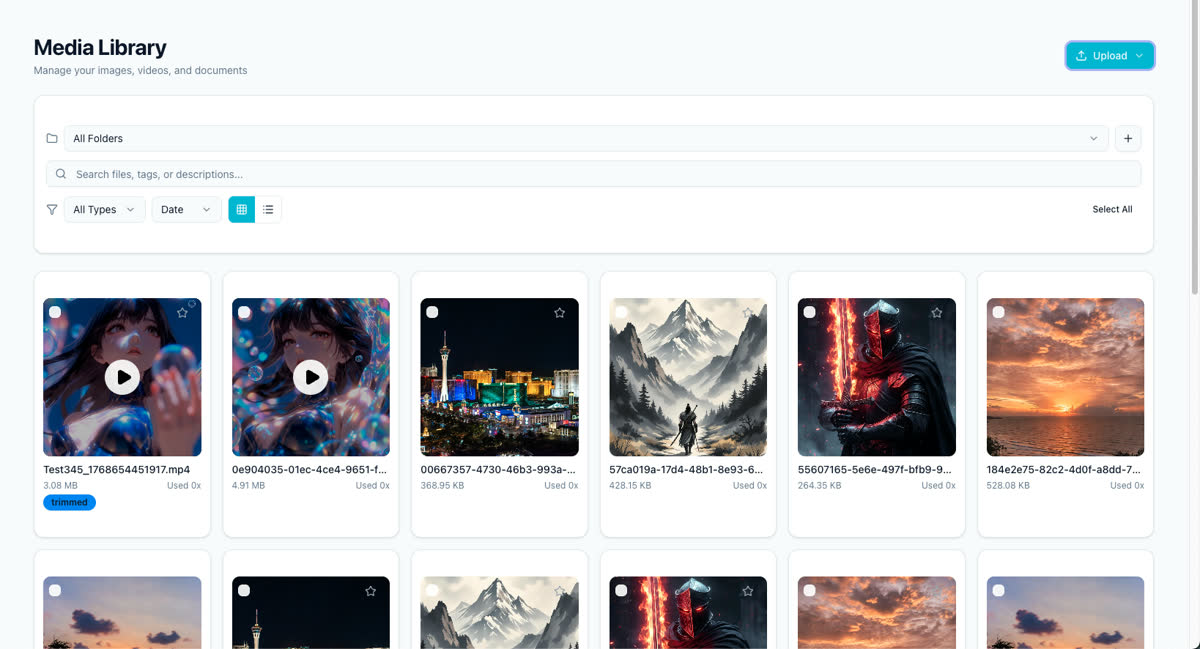
Upload and organize assets
- Open the media library.
- Upload one or more files.
- Sort them into the right folders or naming system.
- Reuse them later in the composer, ideas workflow, or blog workflow.
Bulk upload guidance
- Upload files in batches when you are preparing a campaign.
- Group assets by client, campaign, or content series.
- Review naming before large uploads so your team can search assets later.
What to do next
After your assets are ready, return to Crafting the perfect post or Manage blog content.
Cet article vous a-t-il été utile ?
Votre feedback nous aide à améliorer notre documentation.
Dernière mise à jour
March 8, 2026