5 min de lectura
Publishing & SchedulingCrafting the perfect post
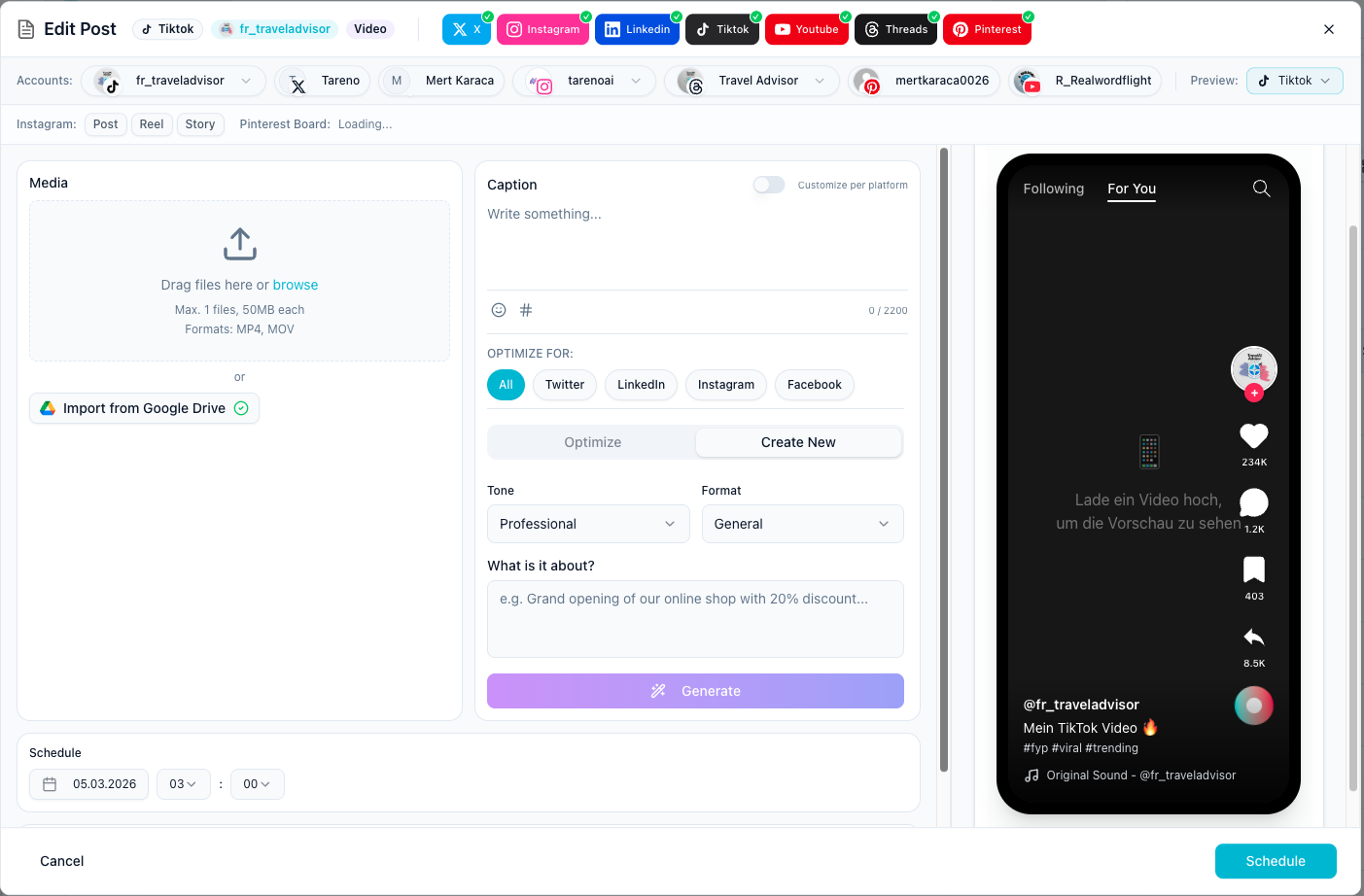
The composer is where you build platform-ready content from one screen instead of switching between multiple apps.
Before you start
- Connect at least one social account.
- Prepare your caption, media, or both.
- Decide whether you want to publish now, save a draft, or schedule later.
Build a post in the composer
- Open the composer from your publishing workflow.
- Select the channels you want to publish to.
- Add your text and upload media.
- Adjust platform-specific copy where needed.
- Review the final version before saving or publishing.
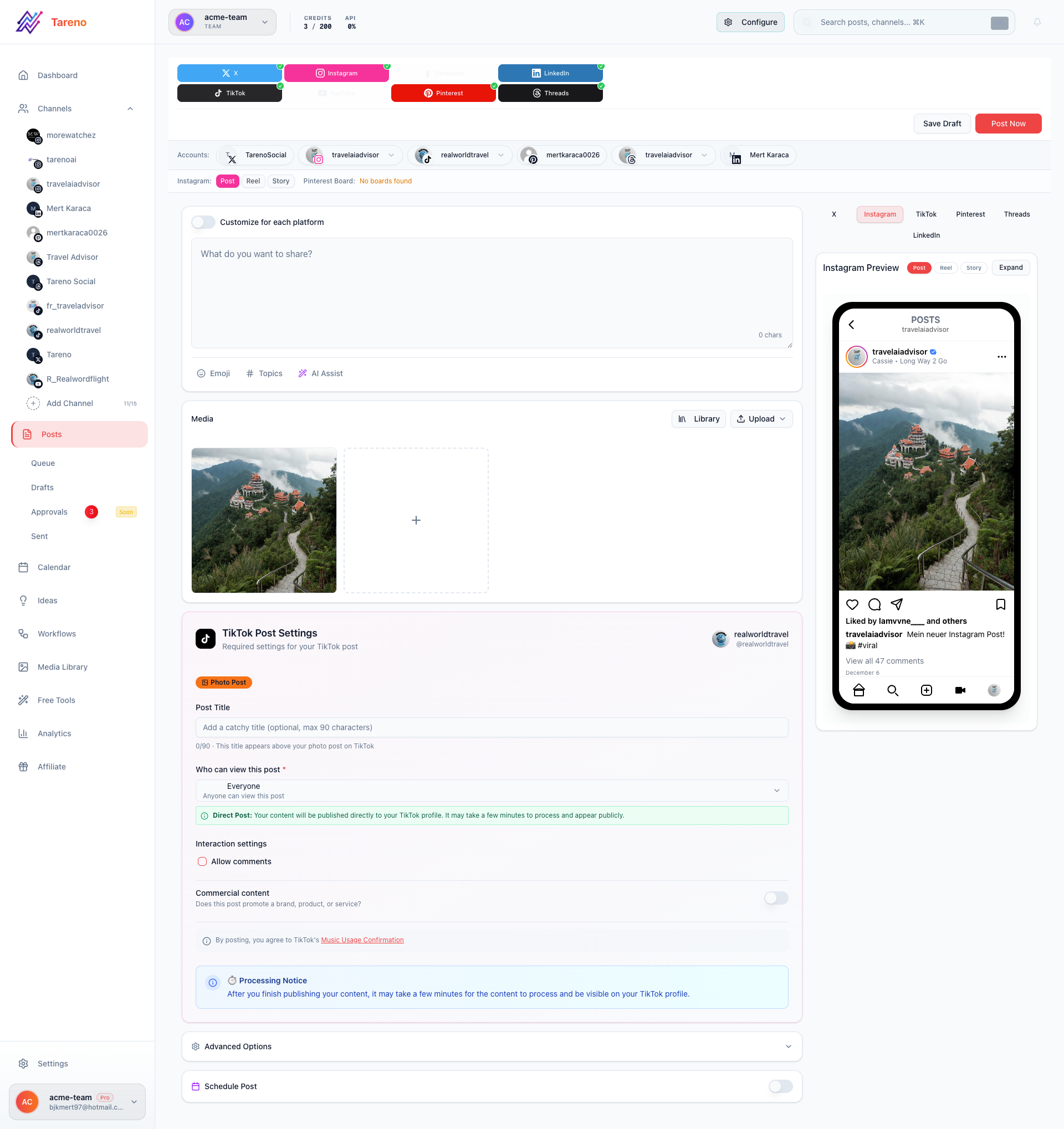
Review the completed draft
Once the post is filled out, use the final review state to confirm your media, caption, and destination channels.
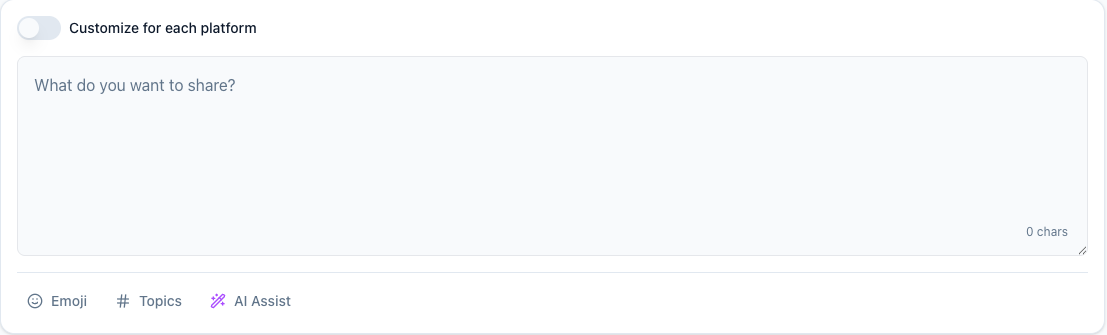
Start with text only if needed
If you are still drafting ideas, begin with a text-only version and come back to media later.
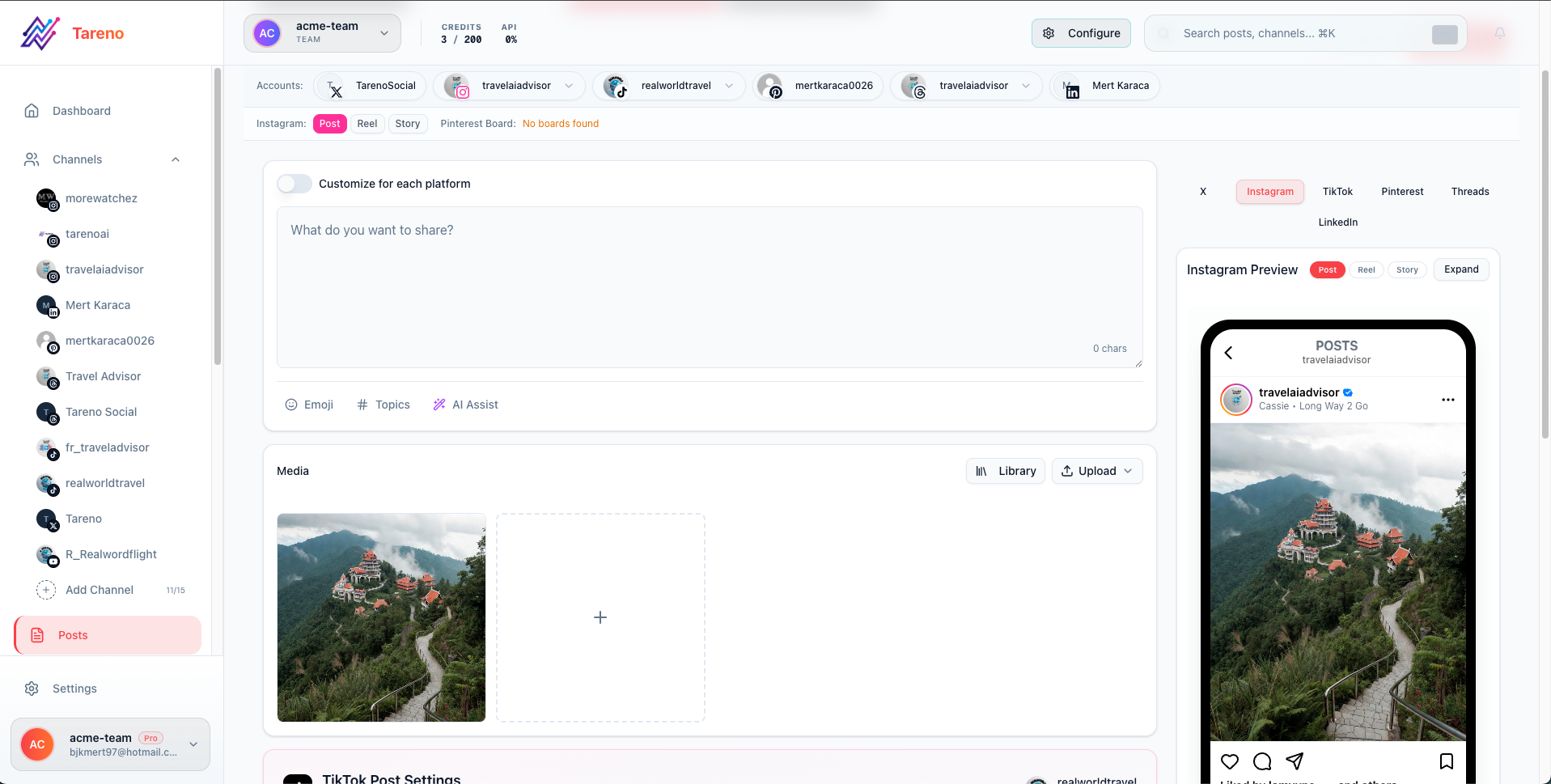
Save a clean draft
If the post is not ready yet, save it as a draft so it stays in your workflow.
Related features
- Learn more about Post Scheduling
- Explore Multi-Platform Publishing for cross-channel posts
- Organize ideas before publishing with Content Boards
Free tools that help
- Instagram Hashtag Generator — find the best tags for your post
- TikTok SEO Optimizer — optimize captions for TikTok
What to do next
When you are ready to choose a publish time, continue with Schedule a post or learn about Approval Workflows for team review.
¿Te resultó útil este artículo?
Tu feedback nos ayuda a mejorar nuestra documentación.
Última actualización
March 8, 2026