Manage blog content
Tareno includes a blog workflow for drafting, editing, publishing, and maintaining long-form content alongside your social operations.
Screenshot note: exact blog management screenshots are still pending in the shared screenshot library. This guide uses the closest available workspace and content visuals for this pass.
What you can manage
- New blog drafts
- Existing published posts
- Slugs, excerpts, authors, tags, and content
- Cover assets and supporting media
- Scheduled publishing for draft workflows
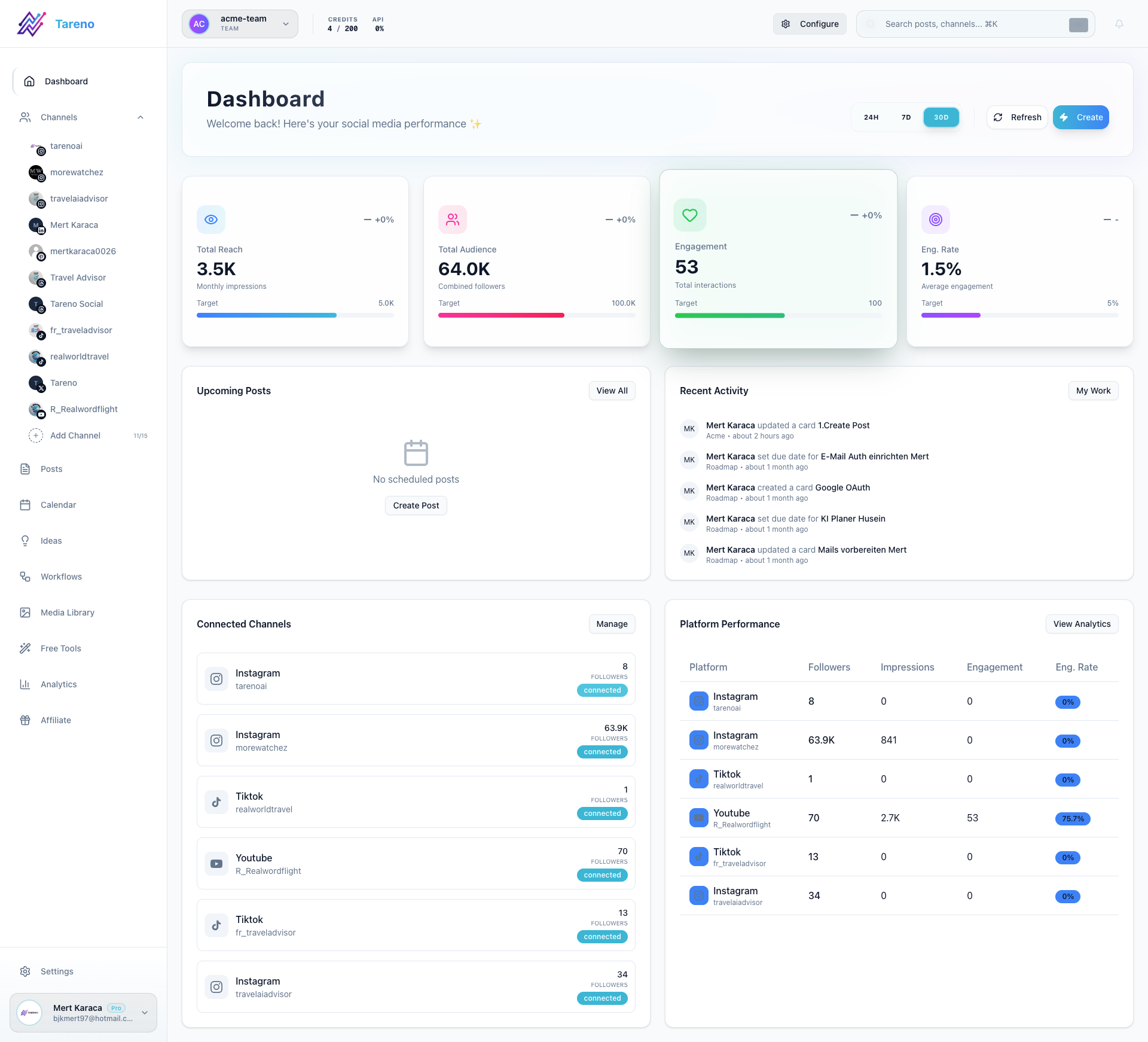
Create or update a blog post
- Open the blog publishing or blog management area from the dashboard.
- Add or update the title, slug, excerpt, and author details.
- Write or edit the post body in the editor.
- Attach a cover image and any supporting assets.
- Save the draft, schedule it, or publish when it is ready.
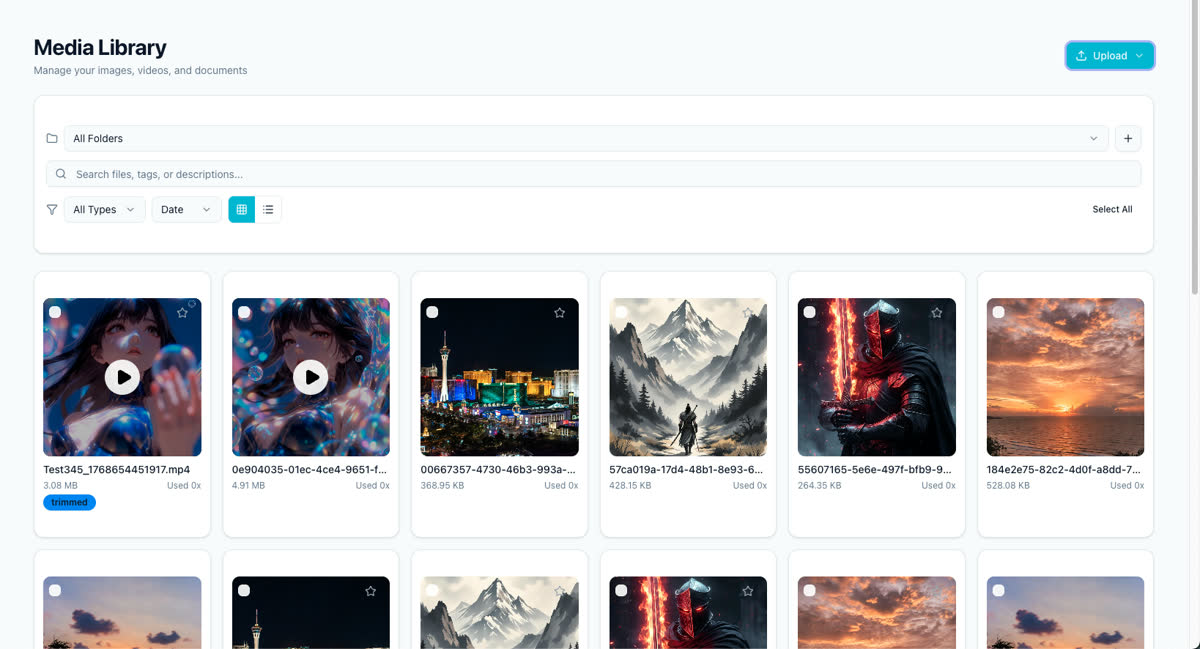
Use the media library for assets
The media library is the easiest way to keep visual assets organized before attaching them to blog content.
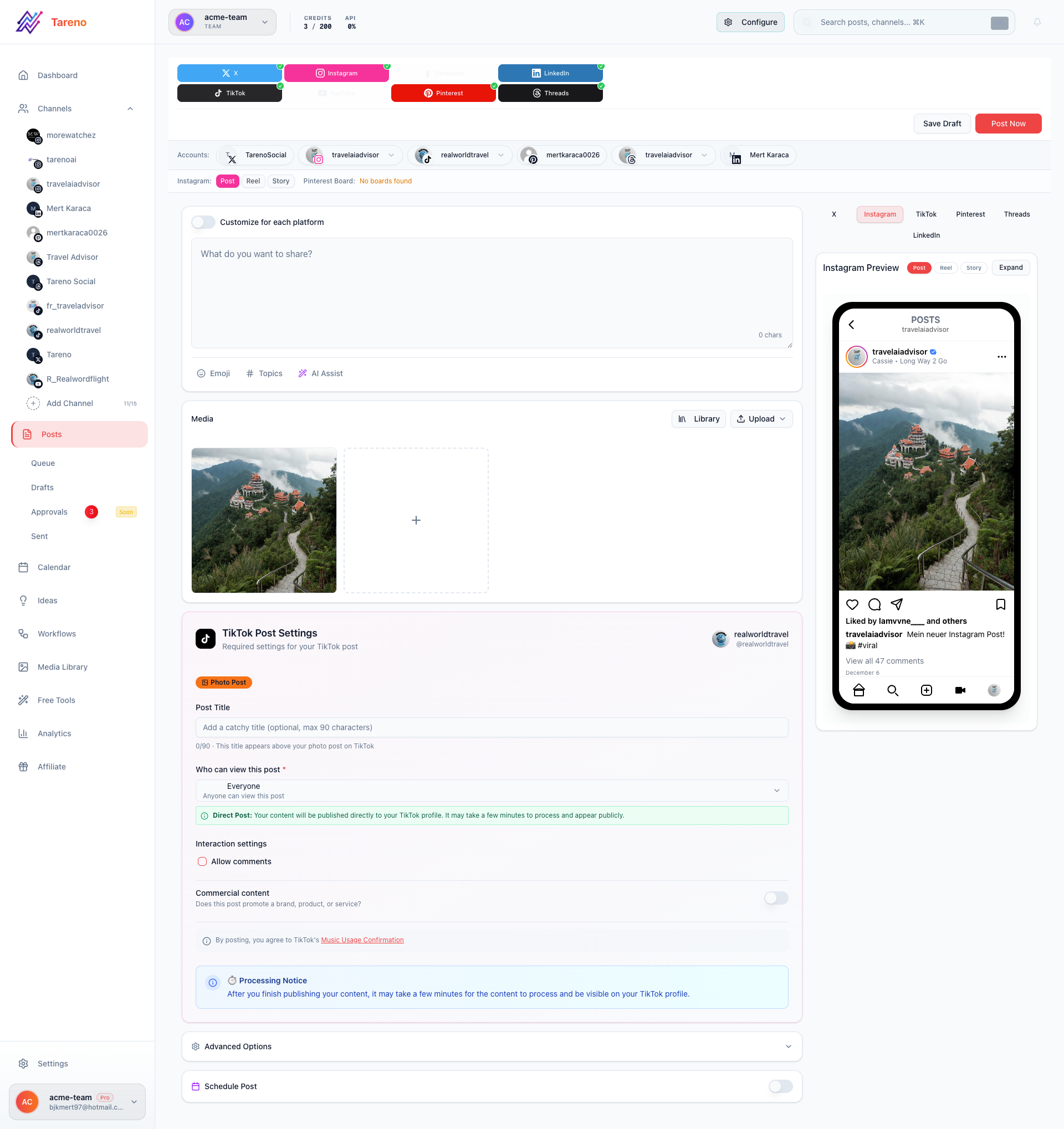
Review content before publishing
Treat the final review state like any other content workflow: confirm text, assets, and timing before sending it live.
Related features
- Media Library for centralized asset management
- Content Boards for planning blog topics
- Approval Workflows for editorial review
Promote your blog posts
After publishing, use Crafting the perfect post to build supporting social promotion.
What to do next
If you are building supporting social promotion around the post, return to Crafting the perfect post.
Was this article helpful?
Your feedback helps us improve our documentation.
Last Updated